

Dars Unlock Tool v5.6 (v2026.10.15.0) Latest Version Free Download | BestAndroid Unlock Guide & Features
Table of Contents
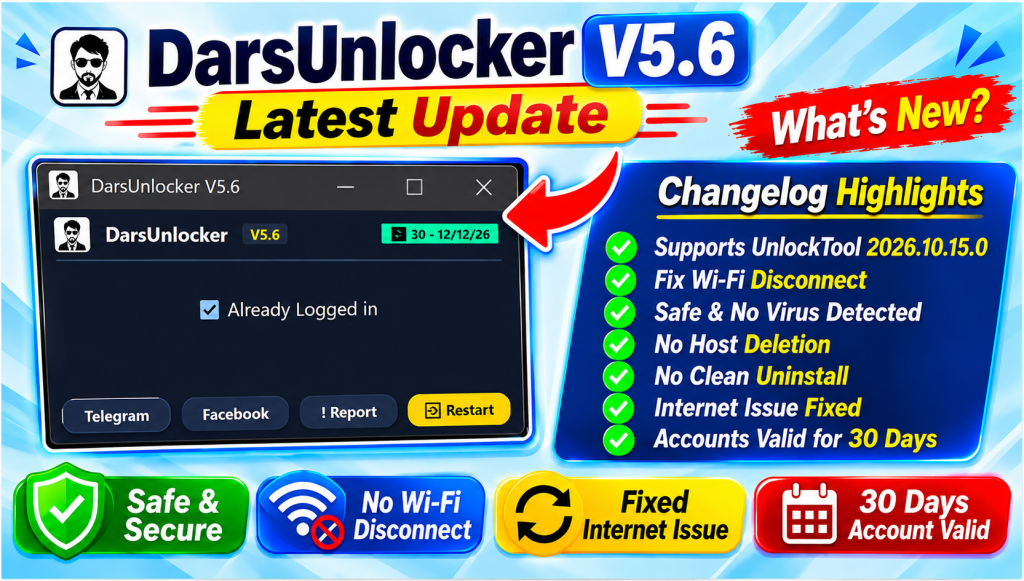
In the fast-paced world of mobile software repair, technicians and advanced users constantly search for efficient, all-in-one utility programs to resolve critical firmware malfunctions and security restrictions. One of the most powerful solutions currently available in the servicing sector is the Dars Unlock Tool v5.6 (Build v2026.10.15.0).
If you want to know about the latest improvements in v5.6 (v2026.10.15.0), its comprehensive feature set, advanced lock-bypassing capabilities, and installation process, this detailed guide covers everything.
What is Dars Unlock Tool?
Dars Unlock Tool is a specialized Windows-based software utility engineered for mobile repair professionals. It functions as a comprehensive servicing solution designed to interact directly with device partitions, handle firmware flashing operations, and execute secure security unlocks across a vast array of Android smartphones and tablets.
What’s New in v5.6 (v2026.10.15.0) & Key Features
The v5.6 (v2026.10.15.0) update introduces upgraded exploit protocols, expanded chipset definitions, and faster processing modules to optimize the device repair workflow:
- Updated v5.6 (v2026.10.15.0) Engine: Features newly added security patch support for modern Android iterations, improved connection stability, and bug fixes from previous builds.
- All-in-One Utility Dashboard: Combines flashing, security servicing, partition management, and diagnostic utilities into a single, intuitive user interface.
- Smart Device Auto-Detection: Automatically recognizes connected Android handsets, active hardware chipsets, and port states (ADB, Fastboot, EDL, or Brom mode).
- Firmware Flashing & Partition Management: Safely flash stock ROM packages, clear corrupted cache data, and restore stable boot images.
- Backup & Restore Utility: Securely backup critical device parameters, network configurations, and NVRAM data prior to executing major repair operations.
Comprehensive Lock Removal Capabilities (FRP, MDM, PIN & Pattern Locks)
Modern Android devices incorporate multi-layered security frameworks to protect user privacy. However, users locked out due to forgotten credentials or secondary buyers need reliable bypass solutions. Dars Unlock Tool v5.6 (v2026.10.15.0) excels heavily in secure lock removal:
1. FRP Bypass (Factory Reset Protection)
When a device is hard-reset without unlinking the primary Google account, Factory Reset Protection (FRP) blocks setup access. The v5.6 (v2026.10.15.0) release features advanced exploit protocols to safely bypass or remove Google account verification across major brands like Samsung, Xiaomi, Redmi, OPPO, Vivo, Realme, and Motorola.
2. MDM (Mobile Device Management) Removal
Corporate-issued, school-managed, or rental smartphones often come restricted with strict MDM profiles or Knox security barriers. This software includes specialized bypass algorithms to clean and remove active MDM restrictions, restoring full control to the device owner without damaging system integrity.
3. PIN, Password, and Pattern Lock Reset
Forgetting a screen security lock such as a numerical PIN, complex password, or gesture pattern can render a phone inaccessible. The utility provides reliable methods to clear screen locks on supported devices, helping users regain entry to their devices safely.
Supported Brands and Chipsets
Dars Unlock Tool v5.6 (v2026.10.15.0) offers wide cross-platform compatibility across major global hardware architectures:
- Supported Chipsets: Qualcomm Snapdragon, MediaTek (MTK), Unisoc (SPD), and standard Android security platforms.
- Supported Brands: Samsung, Xiaomi, Redmi, POCO, OPPO, Realme, Vivo, OnePlus, Motorola, Infinix, Tecno, and more.
System Requirements
| Component | Minimum Requirement |
| Operating System | Windows 7, 8, 10, 11 (32-bit or 64-bit) |
| Processor | Intel or AMD Dual-Core Processor (2.0 GHz or higher) |
| RAM | 4 GB Minimum (8 GB Recommended) |
| Storage Space | At least 1 GB to 3 GB of free disk space |
| Drivers | Proper Android USB, ADB, and Manufacturer Drivers installed |
How to Download and Use Dars Unlock Tool
- Download the Package: Get the official compressed archive package of Dars Unlock Tool v5.6 (v2026.10.15.0) from a trusted source.
- Disable Antivirus Temporarily: Security software often flags utility tools because of packed script files and custom exploits. Temporarily turn off real-time protection during setup.
- Extract Files: Use an extraction tool like WinRAR or 7-Zip to unpack the downloaded archive contents.
- Install Required Drivers: Ensure your PC has all necessary manufacturer USB drivers and runtime frameworks installed.
- Launch Application: Open the main tool executable file as an administrator.
- Connect Your Device: Put your target Android phone into the required mode (Fastboot, EDL, or Debugging mode) and connect it via a stable USB cable to execute your desired repair task.
Frequently Asked Questions (FAQ)
Q1: Is Dars Unlock Tool v5.6 (v2026.10.15.0) free to download?
Ans: Yes, the application offers free downloadable packages for its v5.6 (v2026.10.15.0) updates, though specific server-based modules or advanced cloud activations may require authorized credits from the developers.
Q2: Will using this tool delete my personal data?
Ans: Yes, operations like FRP bypass, MDM removal, and screen lock resets trigger security clearance protocols that wipe phone storage to restore factory safety standards.
Q3: Does v5.6 (v2026.10.15.0) support recent Android security patches?
Ans: Yes, the v5.6 (v2026.10.15.0) release includes upgraded exploit scripts and bypass procedures to handle recent Android security iterations across multiple compatible brands.
Q4: What should I do if my PC fails to detect the connected phone?
Ans: Ensure that proper manufacturer USB drivers (such as Samsung USB drivers or MediaTek/Qualcomm VCOM drivers) are correctly installed on your Windows system and try using a different USB port or cable.
Conclusion
The Dars Unlock Tool v5.6 (v2026.10.15.0) is a powerful software utility for mobile repair technicians dealing with stubborn Android locks and system errors. By providing robust support for FRP bypass, MDM removal, and screen lock clearing across multiple chipsets, it significantly streamlines the repair process. Always ensure you download official packages and maintain backups before carrying out advanced system modifications.


