TSM Pro Tool v2026.10.27 Latest Version Free Download | Complete Android Repair Guide
Table of Contents
In the fast-evolving world of mobile software repair, technicians and enthusiasts constantly look for reliable, all-in-one utility programs. One of the most talked-about software utilities in the technician community is the TSM Pro Tool. Known for its high performance, frequent updates, and wide compatibility, the latest version brings advanced security bypass options, firmware flashing features, and deep system maintenance capabilities.
If you want to know everything about TSM Pro Tool v2026.10.27, its features, and how it handles complex smartphone locks, this comprehensive guide has you covered.
What is TSM Pro Tool?
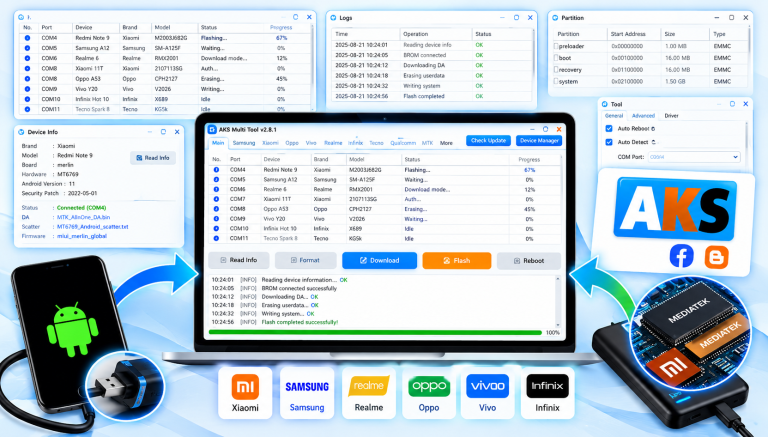
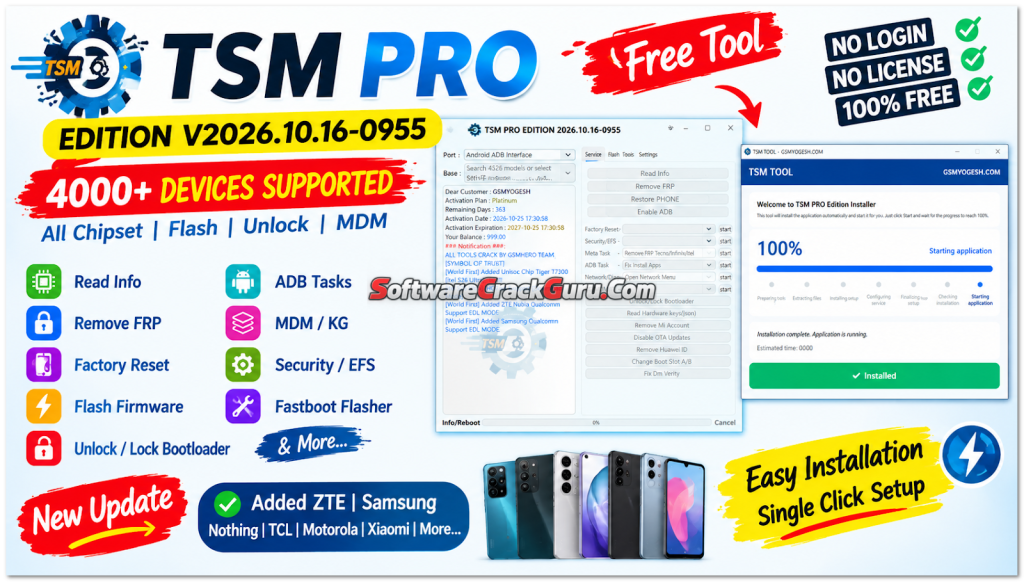
TSM Pro Tool (Turbo Service Mobile) is a specialized Windows-based software utility engineered for mobile repair professionals. It serves as a comprehensive multi-brand solution capable of resolving software malfunctions, boot loops, network issues, and rigid security encryptions across a wide array of Android devices.
Key Features of TSM Pro Tool
The software is packed with robust tools designed to make device servicing fast and efficient:
- All-in-One Utility Dashboard: Combines flashing, unlocking, repair, and diagnostic functions in a single, refactored user-friendly interface.
- Firmware Flashing Support: Safely flash stock firmware to fix software corruption, startup errors, and boot-loop issues.
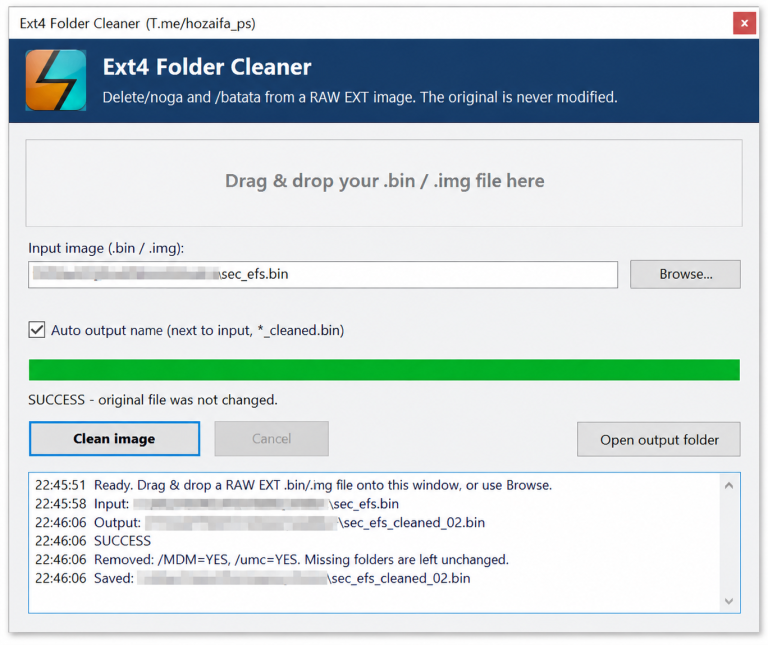
- Bootloader & Partition Management: Manage boot states, change boot slots via fastboot, and handle system image partitions securely.
- IMEI & Network Repair: Efficiently repair network parameters, configure VoLTE settings, and fix connectivity glitches on supported models.
- Advanced Diagnostic Modes: Open hidden device menus, Diag ports, and APN settings with single-click commands.
Comprehensive Lock Removal Capabilities (FRP, MDM, PIN & Pattern)
Modern smartphones are fortified with complex security measures to protect user data. However, forgetting credentials or acquiring second-hand locked devices often requires specialized bypass tools. TSM Pro Tool excels heavily in lock removal:
1. FRP Bypass (Factory Reset Protection)
When a device is factory reset without signing out of the primary Google account, FRP gets triggered. TSM Pro Tool provides seamless FRP removal solutions across brands like Samsung, Xiaomi, Redmi, POCO, Motorola, OPPO, Vivo, Infinix, Tecno, and Realme—supporting the latest Android patches (Android 13, 14, 15, and 16) via ADB, Fastboot, EDL, and Meta Mode.
2. MDM and KG Removal
Corporate-managed devices or rented units often feature Mobile Device Management (MDM) or Knox Guard (KG) locks that restrict user control. TSM Pro Tool includes advanced algorithms to bypass and remove MDM and KG restrictions on Samsung, Qualcomm, and MediaTek devices via EDL or ADB methods without requiring complex custom apps.
3. PIN, Password, and Pattern Lock Reset
If a user forgets their screen security password, pattern, or PIN, the tool allows safe removal of screen locks on compatible devices. Depending on the device protocol, it can clear security barriers without inducing critical data corruption.
Supported Chipsets and Brands
TSM Pro Tool offers extensive cross-platform compatibility, supporting major hardware architectures:
- Qualcomm: Advanced EDL mode operations, flashing, and security resets.
- MediaTek (MTK): Brom and Meta mode support, deep-layer security bypass, and fast flashing.
- Unisoc (SPD): Quick processing for budget devices and modern security patches.
- Kirin / HiSilicon: Specialized servicing for older Huawei and Honor variants.
Supported Brands: Samsung, Xiaomi, Redmi, POCO, OnePlus, Oppo, Realme, Vivo, Motorola, Infinix, Tecno, Itel, LG, and more.
System Requirements
| Info | Details |
| Component | Minimum Requirement |
| Operating System | Windows 7, 8, 10, 11 (32-bit or 64-bit) |
| Processor | Intel or AMD Dual-Core Processor (2.0 GHz or higher) |
| RAM | 4 GB Minimum (8 GB Recommended) |
| Storage | At least 2 GB of free disk space |
| Drivers | Proper Android USB & Manufacturer Drivers installed |
How to Download and Install TSM Pro Tool
- Download the Package: Grab the latest version zip/7z archive package from the official source or trusted mirror link.
- Disable Antivirus Temporarily: Some security suites falsely flag utility tools due to packed scripts. Turn off real-time protection temporarily during installation.
- Extract Files: Use tools like WinRAR or 7-Zip to extract the archive contents.
- Run Setup: Launch the installer setup file as an administrator.
- Install Drivers: Ensure all required MTK, Qualcomm, and ADB drivers are installed on your PC.
- Launch & Connect: Open the tool, log in or initialize your workspace, connect your target Android device via USB in the correct mode (EDL/Fastboot/Meta), and execute your desired repair task.
Frequently Asked Questions (FAQ)
Q1: Is TSM Pro Tool free to download?
Ans: TSM Pro Tool offers free download packages for its updates, but certain advanced server-side features, activations, or credits may require official authorization or service plans from the developers.
Q2: Does TSM Pro Tool support Samsung Android 15 and 16 security patches?
Ans: Yes, the latest version includes updated protocols to handle modern security patches, including specific FRP and KG bypass methods for recent Android iterations.
Q3: Will using this tool wipe my phone data?
Ans: Operations like FRP bypass, MDM removal, or screen lock resets often trigger a factory reset or data wipe to clear security partitions safely. Always back up important data if accessible.
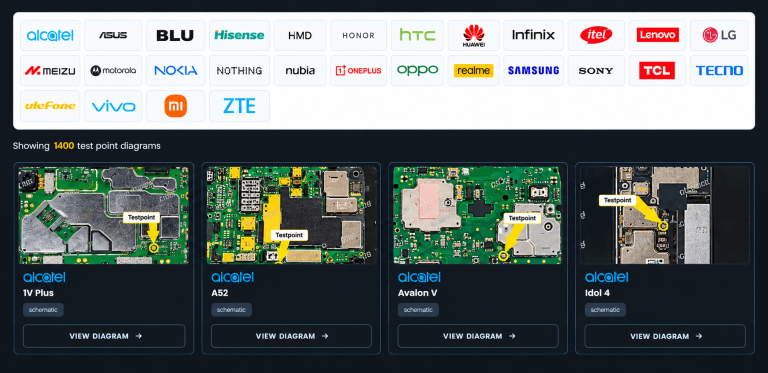
Q4: Do I need test points for MediaTek or Qualcomm devices?
Ans: While many functions work via standard MTP, ADB, or Fastboot, hard-bricked devices or deep EDL/Brom operations may occasionally require test points depending on the security state of the phone.
Conclusion
The TSM Pro Tool Latest Version stands out as an indispensable asset for mobile repair technicians. By integrating comprehensive support for FRP, MDM, KG, and pin/pattern locks across a massive variety of chipsets, it cuts down diagnostic and repair times significantly. Always ensure you download official packages and follow safety guidelines while executing system-level modifications on mobile devices.